
Night Shift DTF Production: Maximize Output Overnight
Double your DTF throughput without extra labor. Learn how to optimize night shift DTF production with environmental controls, job queuing, and quality safeguards.
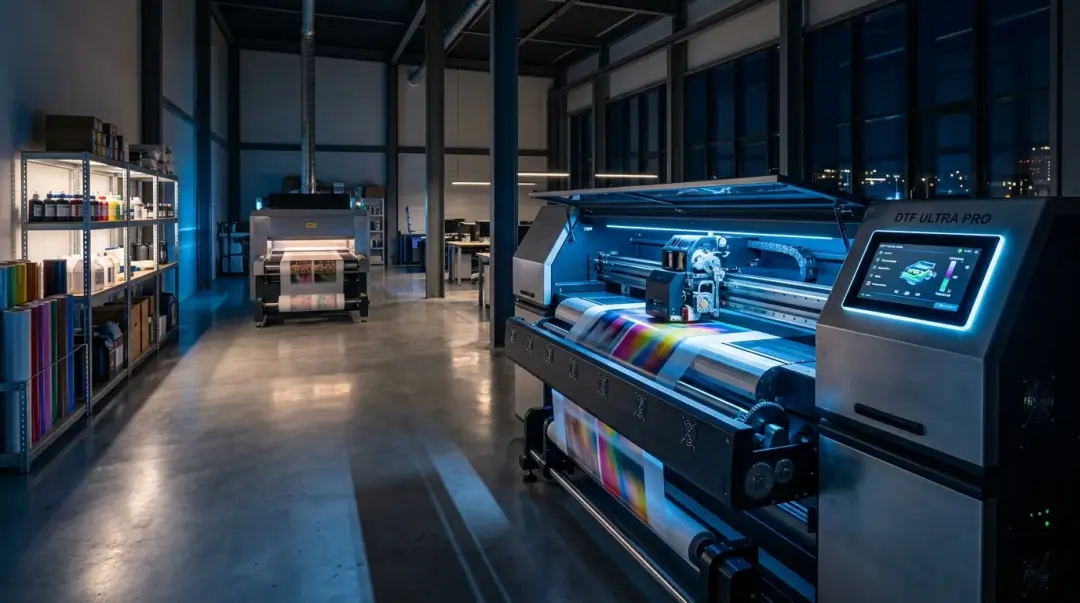
Unlock 24/7 Efficiency: Mastering Night Shift DTF Production
For high-volume custom apparel shops, the barrier to scaling is often floor space and capital investment in additional machinery. However, many owners overlook an immediate solution: night shift DTF production. By leveraging the off-peak hours when your shop is otherwise idle, you can double your effective throughput without adding a single square foot of floor space or purchasing a second printer.
While the prospect of unattended printing might seem daunting, modern Direct to Film (DTF) technology is remarkably stable when managed correctly. Shifting to an overnight production schedule is not just a tactic for industrial giants; it is an accessible, high-ROI strategy for small and mid-size operations ready to optimize their existing assets.
The Three Pillars of Unattended DTF Printing
The primary concern with unattended or skeleton-crew production is not mechanical failure—it is the risk of compounding errors. To maintain quality while you sleep, your operation must rely on these three critical safeguards:
- Pre-Shift Maintenance Protocol: Before the shop closes, perform a thorough nozzle check and a mandatory white ink purge. This clears any latent air bubbles and ensures the heads are firing at 100% capacity before the long run begins.
- Strategic Job Queuing: Never run color-critical or complex, small-batch jobs overnight. Reserve the graveyard shift for high-confidence, straightforward orders that have already been proofed and approved.
- Sample-Based Quality Control: Implement a system where every 20th–25th print is pulled from the output tray for visual inspection. This allows you to catch feed issues or ink starvation before they affect the entire queue.
Environmental Stability: The Unseen Variable
Environmental stability is far more critical during the night shift than during active daytime hours. Commercial HVAC systems are often programmed to reduce energy output overnight, causing temperature and humidity to drift significantly. DTF ink systems are highly sensitive to these fluctuations, which can lead to rapid printhead clogging and substrate instability.
To prevent these issues, maintain your environment strictly within the 68–78°F and 40–60% Relative Humidity (RH) range. A smart thermostat is a non-negotiable tool for night shift production. By automating your climate control to stay within these parameters throughout the night, you eliminate the environmental drift that frequently degrades print quality and increases the need for remedial nozzle maintenance.
Comparison: Daytime vs. Night Shift Production
| Feature | Daytime Production | Night Shift Production |
|---|---|---|
| Labor Intensity | High (Setup/Monitoring/Packing) | Minimal (Setup/Check-in) |
| Ideal Workload | Color-critical, Custom, Short-run | High-volume, Simple, Standardized |
| Environment | Naturally Controlled | Requires Smart Climate Automation |
Maximizing Mechanical Throughput
For shops utilizing automated powder shakers and conveyor curing ovens, the workflow is almost entirely mechanical. Once the initial job file is queued and the film path is cleared, the system functions as a continuous loop: the printer fires, the shaker applies the TPU adhesive, and the conveyor oven cures the transfer.
By the time your morning shift arrives, you will find hundreds of finished, ready-to-press transfers in the output tray. Shops that successfully implement this workflow report a 60–90% increase in weekly output using the same equipment footprint. The incremental cost is largely limited to electricity and consumables, meaning your profit margin on these off-peak prints is significantly higher due to the absence of additional labor costs.
Key Takeaway: Successful night shift DTF production hinges on preparation. By automating your climate, pre-purging your ink system, and picking the right jobs for the queue, you can effectively scale your business output without the overhead of additional labor or equipment.
Frequently Asked Questions
Can I run my DTF printer overnight to increase production output?
What maintenance steps should I take before starting an overnight DTF print run?
How do environmental changes affect DTF printing during the night shift?
What types of jobs are suitable for overnight DTF production?
How can I ensure quality control when printing unattended overnight?
Comments
No comments yet. Be the first to share your thoughts!