
How can we help you?
Explore our documentation, browse guides, or search to find answers quickly.
Latest Articles
Discover our newest guides, tutorials, and expert insights.
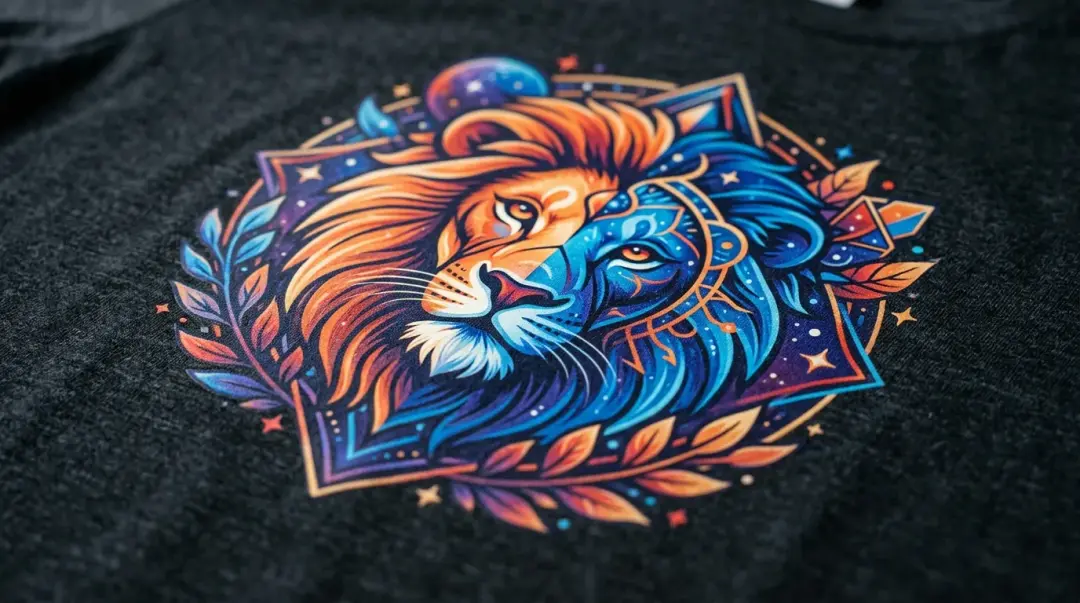
How DTF Printing Excels at Intricate Designs
Discover how DTF printing handles intricate designs and fine details through digital precision, offering a superior alternative for complex, full-color apparel.
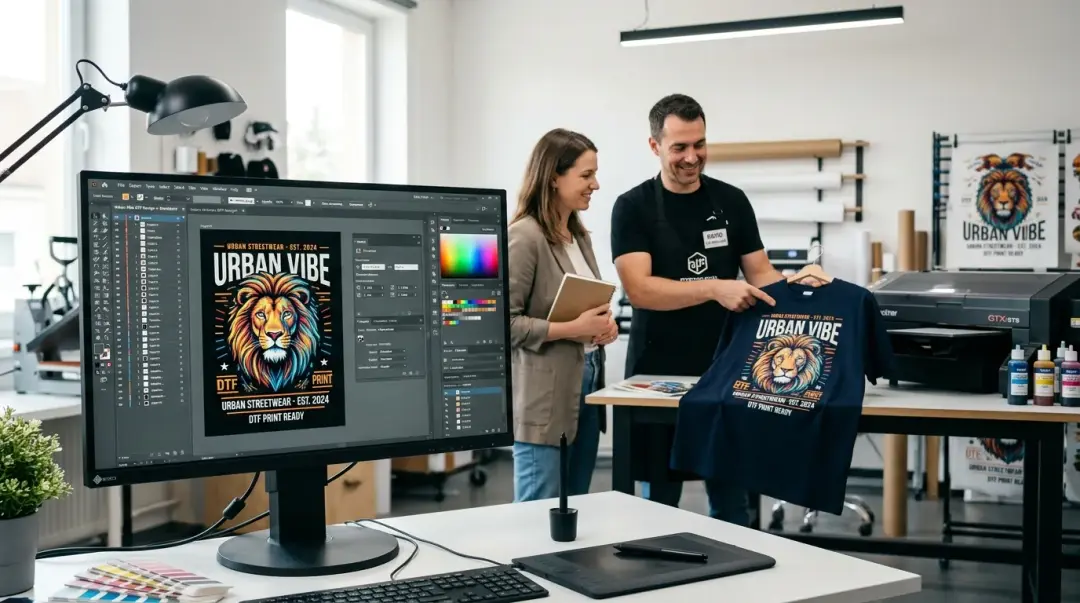
How to Get Personalized DTF Printing Consultations
Stop guessing your order specs. Learn how to secure a personalized consultation for your DTF printing needs to ensure high-quality, professional results.
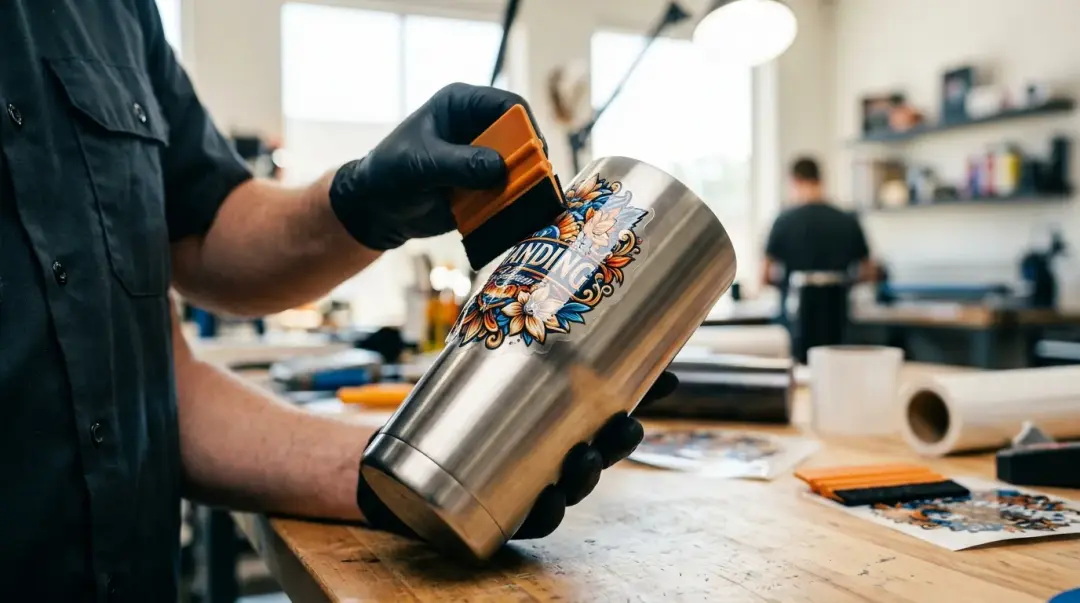
DTF Material Compatibility: Hard Surfaces vs. Fabric
Confused about DTF on hard surfaces? Discover why standard DTF fails on metal and plastic, and why UV DTF is the solution for stainless steel, wood, and more.
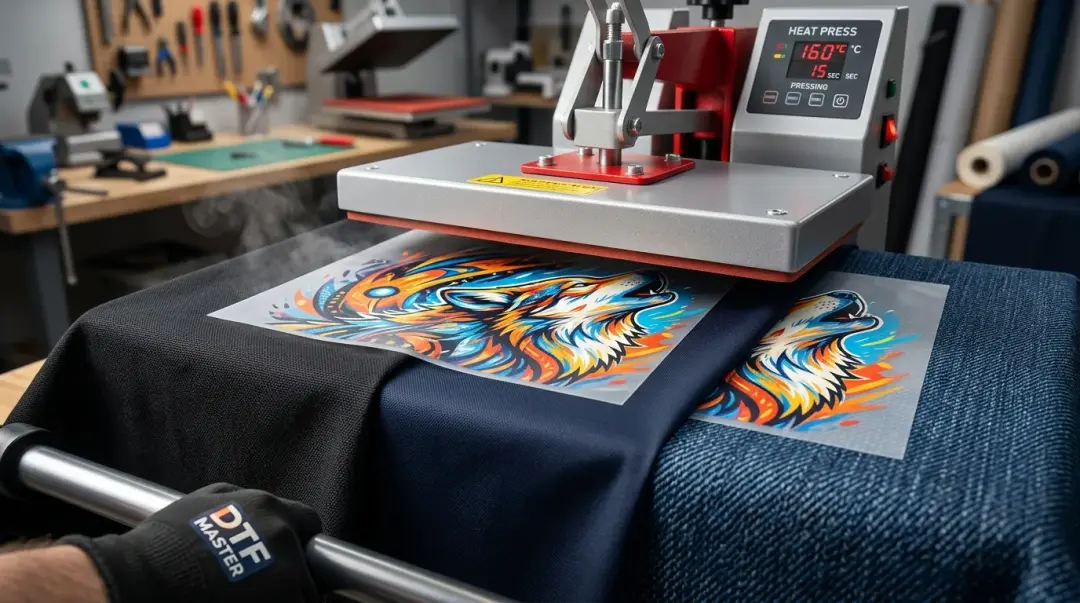
What Fabrics Are Compatible With DTF Transfers?
Discover which fabrics work with DTF transfers. From cotton to nylon, learn how to optimize heat settings and adhesives for perfect, durable DTF prints.
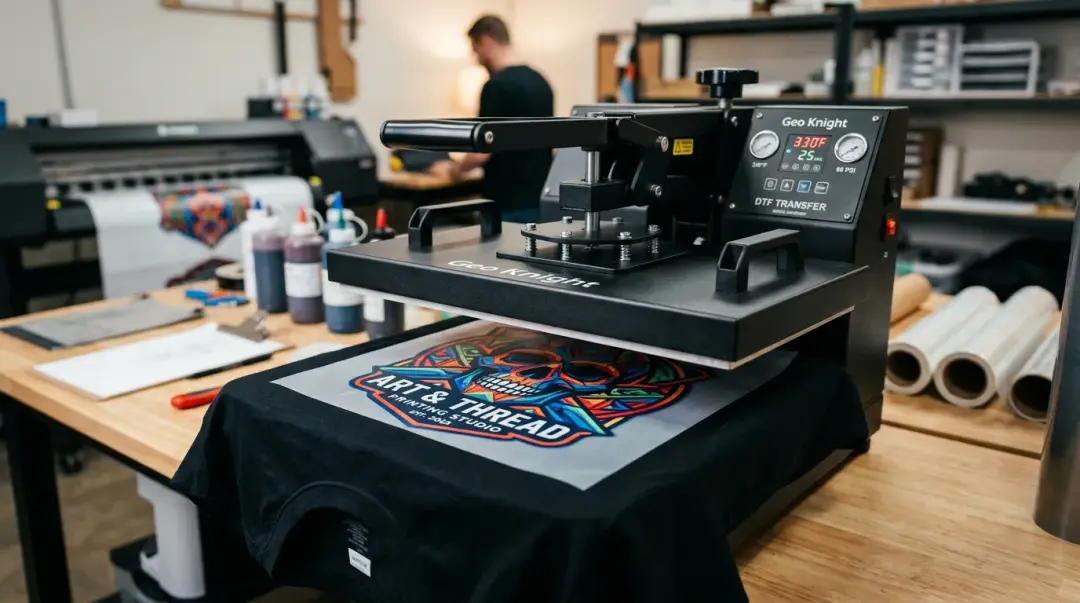
Vibrant Colors & Fine Details in DTF: The Secrets
Unlock vibrant colors and fine details in DTF transfers by mastering white ink underbases, RIP software settings, and ICC color profiles.
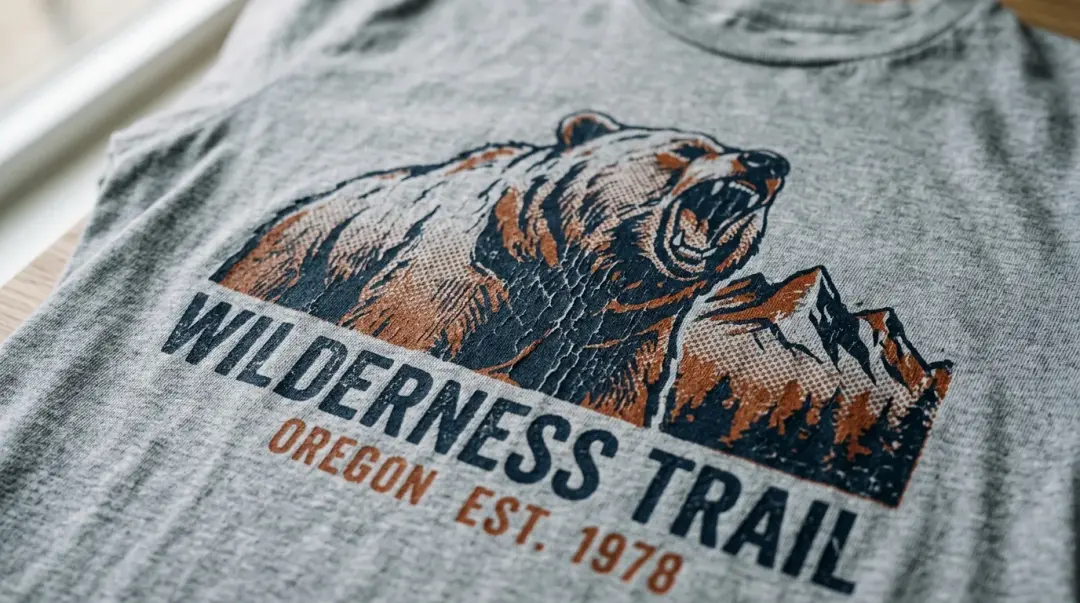
How to Create Distressed Vintage DTF Prints
Learn how to achieve a vintage, distressed look with DTF transfers using halftoning techniques and adjusted white underbase opacity for a soft, worn-in feel.
Recommended Topics
Most searched knowledge base articles are here
DTF Issues
DTF Pros/Cons
DTF Basics
FAQ
Frequently Asked Questions