
AI Art for DTF Printing: What Works, What Doesn't
Unlock the potential of AI for DTF printing. Learn how to refine AI concepts into print-ready designs while navigating copyright risks and quality standards.
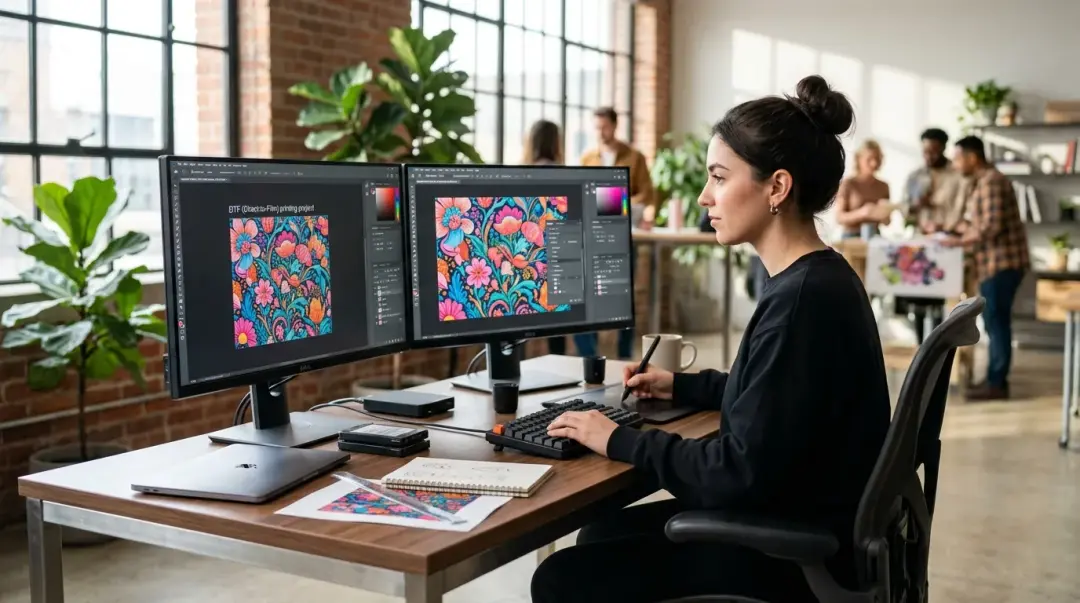
The Role of AI in Modern DTF Design
Artificial intelligence image generators like Midjourney, Adobe Firefly, and DALL-E 3 have revolutionized the creative landscape for Direct to Film (DTF) designers. By acting as a powerful conceptual engine, these tools allow creators to iterate through original artwork ideas in minutes—a process that would traditionally take hours of manual sketching and layout. However, relying on raw AI output for high-quality DTF production is a recipe for failure. Understanding the gap between a "cool image" and a "print-ready file" is essential for any professional decorator. You can find AI generated art for DTF printing tips and legal issues here.
In the world of custom apparel, AI-generated images work best as starting concepts. They are excellent at brainstorming, composition, and style exploration, but they are rarely, if ever, ready for the heat press straight out of the generator. To succeed in DTF, you must treat AI as a creative accelerator, not a final solution.
The Technical Reality: Why Raw AI Output Fails
If you take a raw image directly from an AI generator and send it to your DTF printer, you will likely encounter several quality issues that compromise the final product on the fabric.
Common Technical Pitfalls
- Fuzzy Edges & Haloing: AI tools often render soft, anti-aliased edges that don't translate well to the solid ink layers required for DTF. This often results in a "halo" effect or ghosting around the edges of the design when transferred.
- Inconsistent Fine Details: AI-generated hair, textures, or intricate patterns often suffer from "pixel noise," where fine details are too thin or erratic for the white ink layer to properly support.
- Non-Transparent Backgrounds: Most raw AI files have complex, non-transparent backgrounds that require manual removal.
- Resolution Limitations: While some models have upscaling features, they often struggle to maintain crisp vector-like edges at the 300 DPI minimum required for professional-grade printing.
Key Takeaway: Never print raw AI output. Always treat the AI image as a base layer that must be processed in Adobe Photoshop or Illustrator to ensure solid color density and clean, crisp edges.
Step-by-Step: Preparing AI Art for DTF Printing
To move from a raw concept to a professional DTF transfer, follow this workflow to ensure your prints remain durable and vibrant.
- Resolution & Sizing: Resize your canvas to the final intended print dimensions at a minimum of 300 DPI.
- Clean the Background: Use professional masking tools or dedicated background removal software (like remove.bg or Photoshop’s Select Subject feature) to ensure a perfectly clean transparent background.
- Optimize Fine Lines: Check your design for fine details. Any lines or text elements should be at least 1–2pt thick. If they are thinner, they will likely fail during the powder application or washing cycle.
- Export for Print: Save your finalized composition as a transparent PNG file. Ensure your color profile is set to CMYK or sRGB as required by your specific RIP software.
The Legal Landscape: AI and Copyright in 2025
The legal status of AI artwork remains a complex, evolving issue. As of 2025, the U.S. Copyright Office maintains a firm stance on human authorship: works created entirely by AI without meaningful human creative input are not eligible for copyright protection.
This has significant implications for business owners:
| Design Scenario | Copyright Potential |
|---|---|
| Raw, unedited AI output | Generally not protectable. |
| AI output with significant human modification/styling | May qualify for protection on the human-added layer. |
| AI output featuring protected characters/brands | High risk of trademark infringement. |
If you upload raw AI designs to platforms like Etsy or Shopify, you may find that you cannot legally prevent others from using your work. The safest position is to use AI to generate the raw material, and then apply significant creative modifications—such as compositing, hand-drawing, or unique graphic design elements—to establish your own creative contribution.
Trademark Caution
AI models are trained on massive datasets that include copyrighted material. They can easily generate outputs that unintentionally mimic protected characters, brand aesthetics, or copyrighted logos. Always perform a visual review of every AI-generated design to ensure it does not infringe on existing intellectual property before investing in transfers for sale.
Frequently Asked Questions
Can I print AI-generated images directly onto apparel using DTF?
Why does my AI-generated design look blurry or have a 'halo' when transferred?
What is the recommended workflow for preparing AI art for DTF printing?
Can I copyright artwork created entirely by AI?
What are the risks of using AI-generated designs for commercial apparel?
Comments
No comments yet. Be the first to share your thoughts!