
File Rejection Rates: The Hidden Cost of DTF Printing
Discover how high DTF file rejection rates drain your profits. Learn actionable strategies to optimize your workflow and slash hidden operational costs.
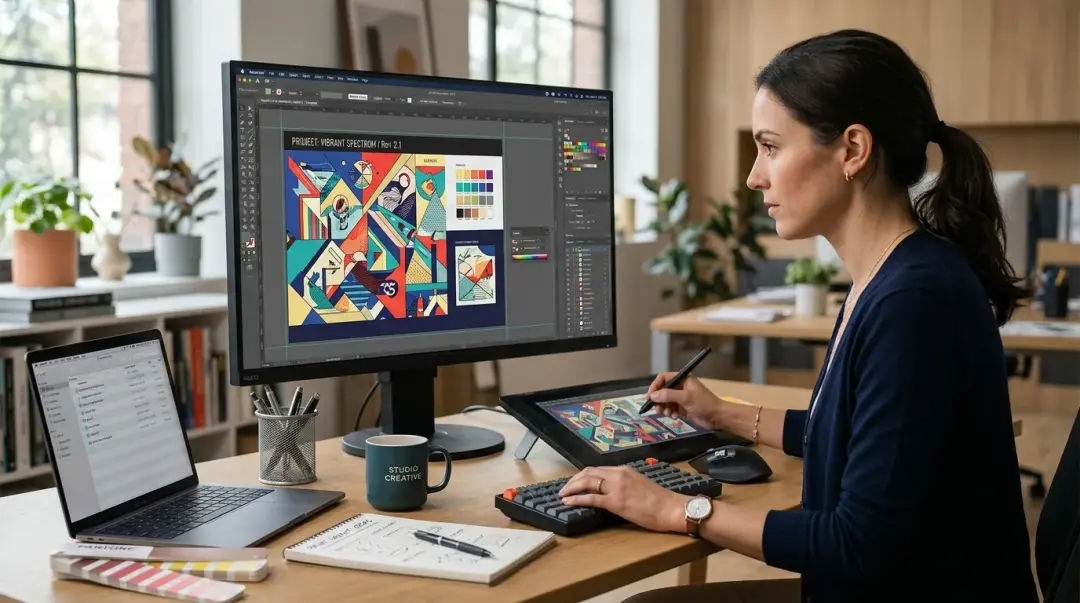
In the competitive world of Direct to Film (DTF) printing, success is often measured by printer uptime and ink volume. However, there is a silent profit-killer lurking in the shadows of every production queue: file rejection rates. While rarely discussed at industry trade shows, the time spent managing, communicating, and fixing poor-quality artwork is a significant cost center that compounds as your business scales.
The Real-World Cost of Poor File Preparation
For many DTF shops, the impact of poor file preparation is obscured by the daily hustle. Consider a shop processing 30 orders per day. If that shop faces a 10% file rejection rate, it means three orders daily require staff intervention. This involves:
- Emailing or messaging the customer about the issue.
- Waiting for the customer to understand and resubmit the correct file.
- Re-inserting the order into the production queue.
Each rejection consumes 15–25 minutes of staff time. At an average labor cost of $18/hour, three daily rejections cost the shop $8–$12 in direct labor alone. Beyond the immediate labor expense, the 12–24 hour delay per order erodes customer trust and goodwill. When calculated annually, this amounts to roughly $3,000–$4,000 in hidden operating costs directly attributable to file quality issues.
The Ripple Effect on Customer Satisfaction
For customers operating on tight deadlines—such as event planners or local teams—a file rejection on a rush order is a relationship-damaging event. Regardless of who is technically responsible for the file quality, the perception remains that the print shop failed to deliver on time. Reducing your file rejection rate is therefore not just an operational fix; it is a customer satisfaction initiative and a throughput optimization strategy.
Quantifying the Problem
| Metric | Impact of Poor Prep |
|---|---|
| Daily Staff Time Lost | 45–75 minutes per 3 rejections |
| Direct Labor Cost | $8–$12 daily / ~$3,500+ annually |
| Order Latency | 12–24 hour delay |
Front-End Interventions: Solving at the Source
The most effective way to manage file quality is to shift from reactive back-end fixing to proactive front-end gates. By establishing clear standards before a file ever hits your printer, you can significantly reduce your administrative overhead.
1. The Visual Preparation Guide
Many customers do not understand technical specifications like DPI or transparency. Create a one-page, visually illustrated guide that contrasts a "Good File" (sharp, transparent background, high resolution) versus a "Problematic File" (blurry, white-box background, low resolution). Make this document a mandatory step at order intake.
2. Automated Resolution Validation
If you have a website, embed a JavaScript file validator into your online order form. This tool can programmatically read the uploaded PNG’s pixel dimensions and flag files that fall below your minimum DPI requirement (e.g., 150 DPI at final size) at the point of upload. This simple gate stops the issue before it enters your production queue.
3. The Pre-Order Checklist
For shops utilizing email or DMs, automate your intake process with a 3-question pre-order checklist:
- Is your file a high-quality PNG with a transparent background?
- Is your file at least 150 DPI at final print size?
- Are all text and fonts fully outlined or embedded in the file?
Requiring a customer response before accepting the order forces accountability and catches the majority of problematic files at zero production cost.
Key Takeaway: Shops that move away from reactive file fixing and implement proactive quality gates regularly report their file rejection rates dropping from 10–15% to under 3% within 60 days.
Conclusion
While often viewed as an unglamorous aspect of the business, refining your file preparation process is one of the highest-ROI activities a DTF shop can undertake. By shifting your quality gates forward, you protect your margins, improve your staff's efficiency, and ensure that your customers receive their orders without friction.
Frequently Asked Questions
How do file rejection rates impact the profitability of a DTF shop?
What is the recommended file format and resolution for DTF printing?
How can I proactively reduce file rejections in my print shop?
Why does a file with a white background cause issues in DTF printing?
How quickly can I see results from implementing better file preparation standards?
Comments
No comments yet. Be the first to share your thoughts!