
What File Format Should You Use for DTF Printing?
Discover the best file format for DTF printing. Learn why high-res transparent PNGs at 300 DPI are the industry standard for sharp, professional transfers.
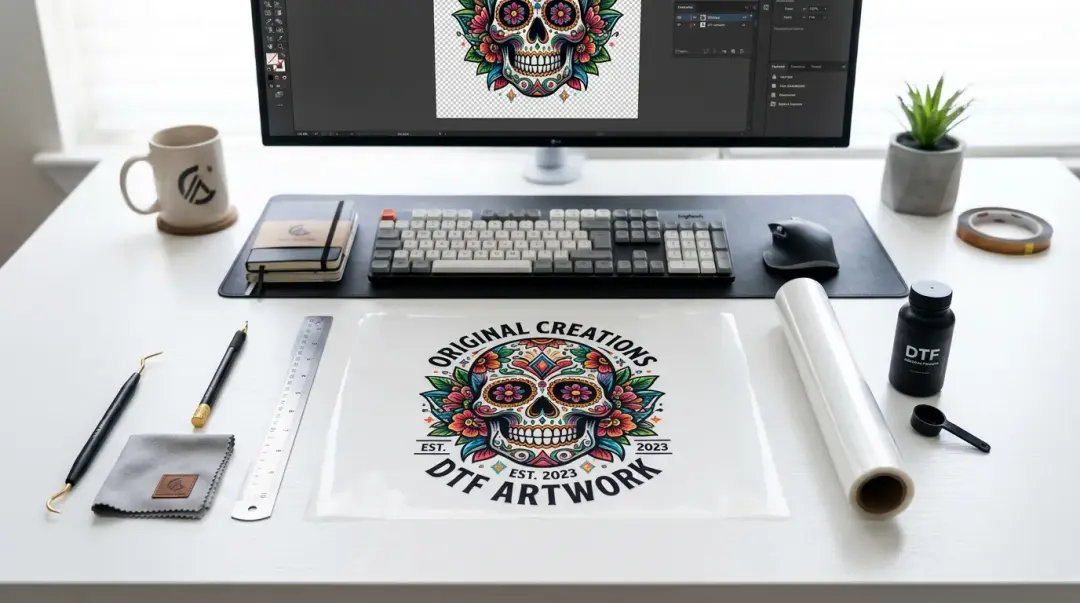
When preparing files for DTF file format requirements 300 DPI PNG printing, your choice of file format is one of the most critical factors determining the final quality of your garment decoration. Submitting the incorrect file type or a low-resolution image often leads to pixelated prints, color banding, and unwanted backgrounds that can ruin a professional design. For the best results, print shops almost universally agree: the 300 DPI transparent PNG is the gold standard.
Why PNG is the Gold Standard for DTF
Unlike JPEG files, which are compressed using a lossy format that discards data, Portable Network Graphics (PNG) files support lossless compression. This ensures that your image remains sharp and that colors are accurately preserved. Most importantly for apparel decoration, PNG supports transparency.
In DTF printing, the printer needs to know exactly which pixels to print ink on and which areas of the film should remain blank. A transparent background allows the printer to isolate your design perfectly, ensuring that only your artwork—not a clunky white box—is transferred to the fabric.
The Risks of Using JPEG
JPEG files are unsuitable for most DTF applications for several reasons:
- Compression Artifacts: JPEGs introduce noise and blurry edges, which are especially visible in fine lines and gradients.
- Lack of Transparency: JPEGs do not support transparent backgrounds, forcing you to include an opaque background color that will inevitably print as a solid, unsightly rectangle on your garment.
- Color Banding: Due to heavy compression, subtle color transitions often appear as visible "bands" rather than smooth gradients.
Technical Specifications for Professional Results
To ensure your designs look as good on fabric as they do on your screen, follow these industry-standard technical requirements:
| Requirement | Standard |
|---|---|
| File Format | PNG (Transparent) |
| Resolution | 300 DPI (dots per inch) |
| Color Profile | sRGB |
| Minimum Line Weight | 1–2pt |
Optimizing Your Design Construction
Beyond the file format, the way you construct your design affects its durability and legibility. Fine details that look great on a monitor may fail during the transfer process.
Fine Lines and Text
Ensure that all fine lines in your artwork are at least 1–2pt thick. Lines thinner than this may break up during the ink-curing process or fail to adhere properly to the garment. Similarly, avoid using tiny text below 6pt. Smaller fonts tend to fill in with ink or lose their crispness, rendering the text illegible.
Cleaning Up Backgrounds
Even if you think your background is transparent, it is vital to perform a final check for "halos" or edge fringing. A simple 'remove background' pass in software like Adobe Photoshop or using online tools like Remove.bg can catch stray pixels. These subtle artifacts are often invisible on a white digital background but become immediately apparent when printed on dark or colored fabric.
Key Takeaway: High-resolution, transparent PNG files ensure your DTF transfers are crisp and professional. Always verify your line weights and remove background halos before submission to avoid unnecessary revisions with your print provider.
Combining Vector Precision with Raster Flexibility
If you are working with vector elements (such as logos or typography created in Illustrator or Affinity Designer), do not simply save the vector file as a PNG. Instead, export the file from your vector software at 300 DPI. This approach gives you the best of both worlds: the clean, infinitely scalable nature of vector design combined with the universal compatibility of a high-resolution raster PNG.
By submitting a clean, high-quality file from the beginning, you significantly speed up the production process and ensure the final product meets the high expectations of your customers.
Frequently Asked Questions
Why is a transparent PNG the recommended file format for DTF printing?
Can I use JPEG files for my DTF designs?
What resolution and color profile should my DTF artwork have?
Are there specific design requirements for line weights and text in DTF?
How do I handle vector artwork when preparing it for DTF printing?
Comments
No comments yet. Be the first to share your thoughts!