
Why Your DTF Colors Look Different on Fabric Than on Screen
Struggling with DTF color mismatch? Learn why your screen colors don't match your DTF prints and how ICC profiles can fix your color accuracy today.
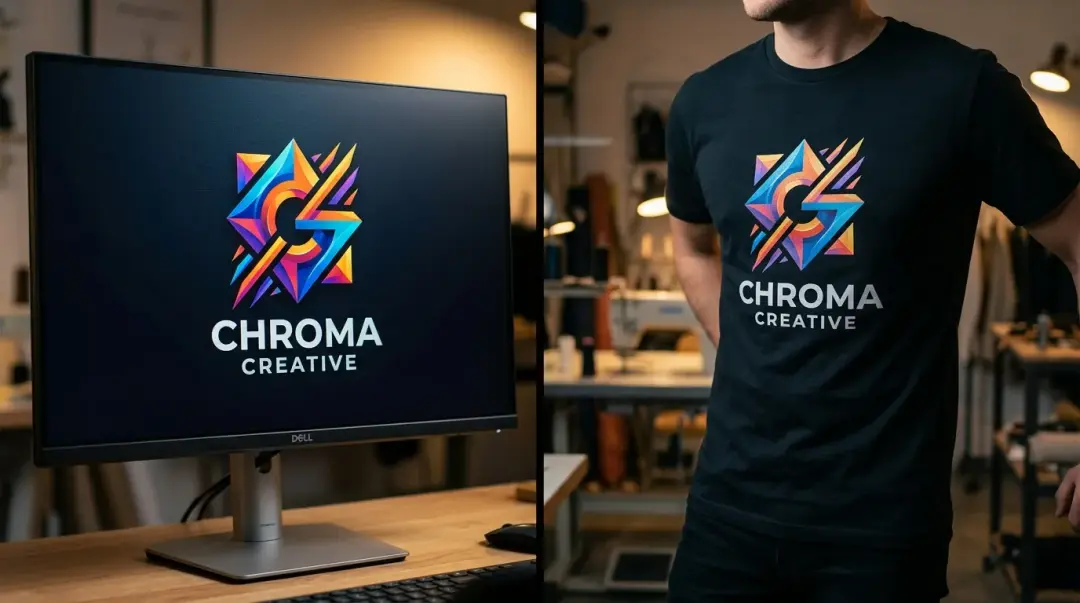
Color mismatch between your screen and your finished Direct to Film (DTF) print is one of the most common frustrations in the custom apparel industry. You design a vibrant logo on your monitor, yet the final product on the fabric appears dull, shifted, or simply "off." This discrepancy almost always traces back to fundamental color management principles rather than a defect in your printer or ink quality.
The Core Problem: RGB vs. CMYK
To understand why your colors change, you must recognize that your monitor and your printer speak two different languages. This is a classic color space mismatch.
- RGB (Red, Green, Blue): This is the color model used by monitors, tablets, and phones. These devices emit light to create color. When you combine R, G, and B at full intensity, you get white light.
- CMYK (Cyan, Magenta, Yellow, Key/Black): This is the subtractive color model used by DTF printers. Ink absorbs light; when you combine these four colors, you theoretically get black (though, in practice, a dedicated black channel is used for depth).
Because the RGB color gamut is significantly larger than the CMYK gamut, your screen can display neon or hyper-saturated colors that simply cannot be reproduced with standard printing inks. When you send an RGB file to your printer, the system must guess how to convert those "unprintable" colors into the closest possible CMYK values. Without proper guidance, this translation is wildly inconsistent.
The Role of the White Ink Underbase
Unlike screen printing or vinyl, DTF printing introduces a critical variable: the white ink underbase. In a DTF transfer, color inks are printed onto the film, followed by a layer of white ink (and then the TPU adhesive). This white layer is essential for opacity, but it also physically changes the perceived color.
If your RIP software or print settings do not account for the density of this white layer, the final colors will look washed out or muted once the transfer is pressed onto the fabric. The interaction between the ink, the film, and the fabric's own texture means that color calibration is not a one-size-fits-all solution.
The Solution: Implementing ICC Profiles
The fix for this common frustration is the installation and use of a custom ICC profile. An ICC profile acts as a translator between your design software (RGB) and your print driver (CMYK).
How ICC Profiles Ensure Accuracy
Your RIP (Raster Image Processor) software uses these profiles to map your screen colors to the specific physical capabilities of your printer, ink brand, and film. By using a calibrated ICC profile:
- The software recognizes the limitations of your specific ink set.
- It accurately simulates the final output on your screen (Soft Proofing).
- It ensures consistent results across different machines, operators, and even varied ink batches.
Comparison Table: Screen vs. Print Reality
| Feature | Monitor (RGB) | DTF Print (CMYK) |
|---|---|---|
| Color Creation | Light Emission | Ink Absorption |
| Gamut Range | Wide (Neon/Bright) | Limited (Standardized) |
| Color Accuracy | Subjective/Variable | Dependent on ICC Profile |
| White Base | N/A | Essential Layer |
Practical Tips to Reduce Color Mismatch
Key Takeaway: Stop chasing a perfect visual match between your backlit screen and your fabric. Focus instead on achieving color consistency through proper ICC profiling and regular maintenance.
- Calibrate Your Monitor: If your monitor isn't calibrated, you are designing in a vacuum. Use a hardware calibrator to ensure your screen is displaying neutral, accurate colors.
- Use Proper RIP Software: Generic printer drivers are insufficient for DTF. Robust RIP software (like AcroRIP, Cadlink, etc.) is necessary to handle the complexity of the white channel and ICC management.
- Consistent Ink and Film: Changing brands frequently makes it impossible to maintain a stable profile. Stick to one high-quality ecosystem for your ink, film, and powder.
- Maintenance Matters: A partially clogged printhead will shift your color balance drastically. Ensure your daily maintenance routine—including white ink circulation and head cleaning—is strictly followed.
Ultimately, achieving professional results requires moving beyond "plug and play" printing. By embracing color management through ICC profiles, you take control of your output and ensure that the design on your screen is accurately represented on your garments every single time.
Frequently Asked Questions
Why do the colors on my DTF print look different from what I see on my computer screen?
What is an ICC profile and why is it important for DTF printing?
How does the white ink underbase affect the colors of my DTF transfer?
Can I use standard printer drivers for my DTF printer?
How can I maintain color consistency in my DTF prints over time?
Comments
No comments yet. Be the first to share your thoughts!